TL;DR
I joined a team where AI was new, and the only AI we had were the credits included in our Figma plan. Working within that and other real limits (seat licences, security rules, an outsourced dev agency), I built three tools that save the team time at no extra cost: a hotel finder, a QA audit skill and a handoff plugin.
- Hotels in one searchable app
- 100+
- QA comments collected automatically in a single run
- 150
- Extra seat licences for agency handoff
- 0
Overview
Bringing AI into a company that had not used it before
Iberostar runs more than 100 hotels, and every one has its own details. Resources are rightly focused and security is taken seriously, so I started small: practical AI tools for real daily problems, built with the tools I already had.
Piece 01 · Figma Make
Hotel finder app
A small app that turns a hard-to-scan spreadsheet into a visual search for every hotel, with the quick facts people like to use every day.
Problem
Hotel data was hard to scan, and incomplete.
100+ hotels lived in a dense spreadsheet. Acronyms were hard to remember, key details were missing and some addresses pointed to the wrong place.
Solution
A visual search app, built on research.
Built in Figma Make with the seat I already had. I chose the quick facts worth adding and pinned each hotel on a map using Google Maps coordinates. Search by acronym, hotel, city or country.
Result
One search instead of scanning rows.
Teammates use it day to day.
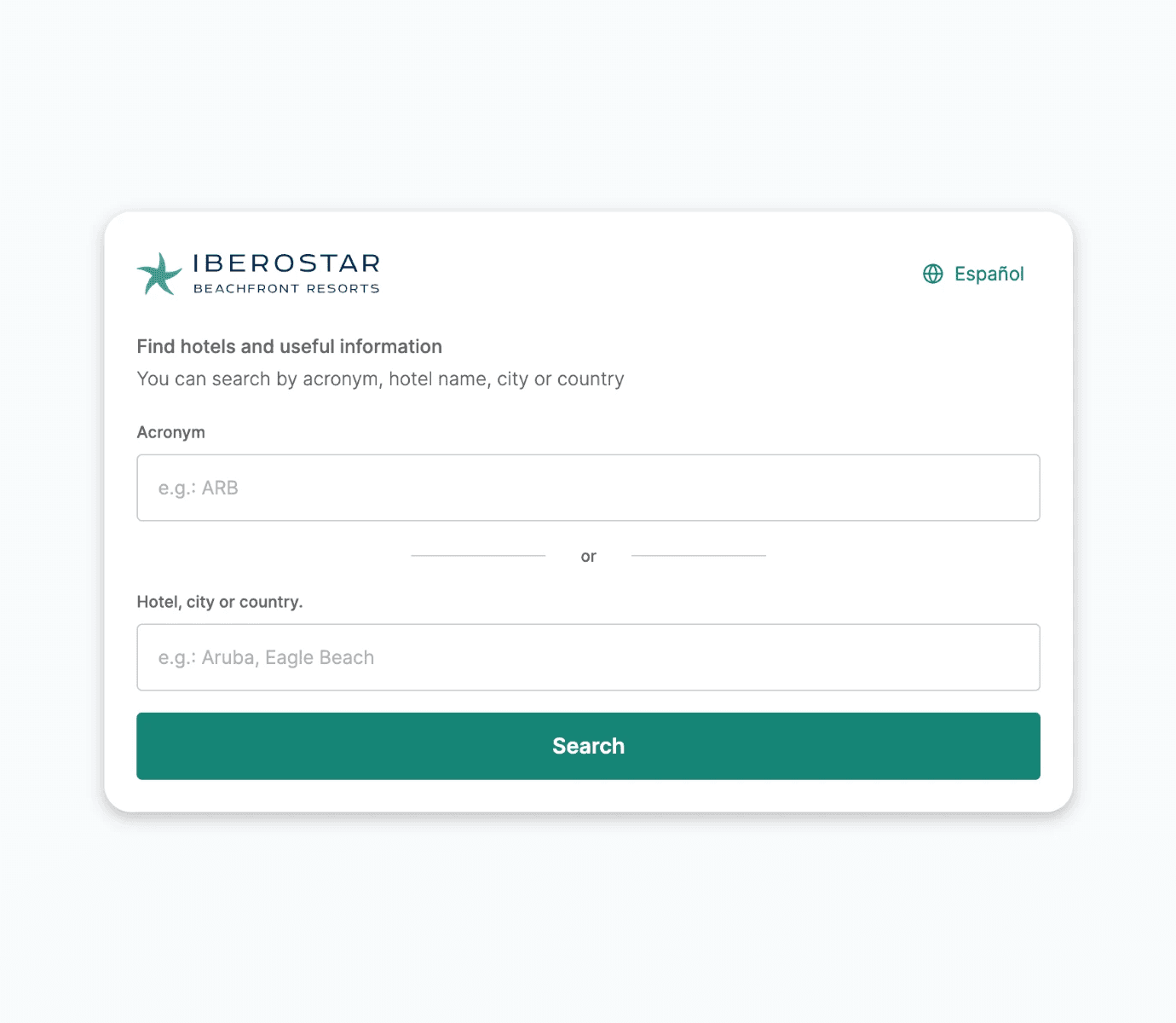
Search by acronym or place
Autocomplete turns a few letters into the right hotel.
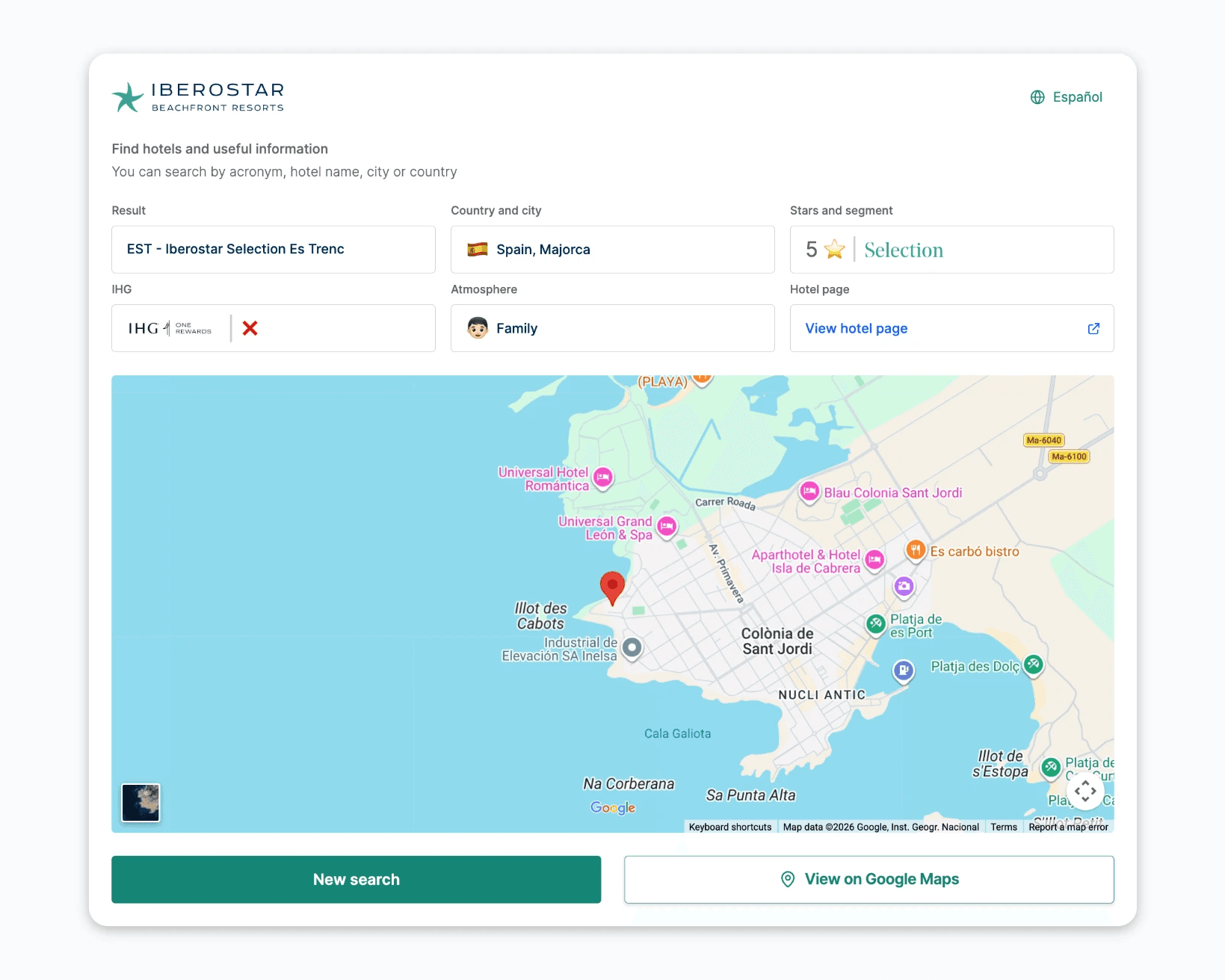
Everything about a hotel in one view
Stars, segment, family or adults only, IHG alliance and a map.
Piece 02 · Figma AI skill
QA audit skill
A large QA process meant checking the build against the designs by hand: inspecting the code in Chrome, importing it into Figma with an HTML-to-design plugin and leaving a comment on every difference. Every comment then had to be copied manually into Azure DevOps, one by one, and a single slip meant a comment could get lost. This skill does that last step, and adds what a developer needs to understand each one.
Problem
Collecting QA comments by hand was slow.
Comments were left in Figma one by one. Gathering them in Azure DevOps took time, and some could be missed.
Solution
A skill that reads every comment.
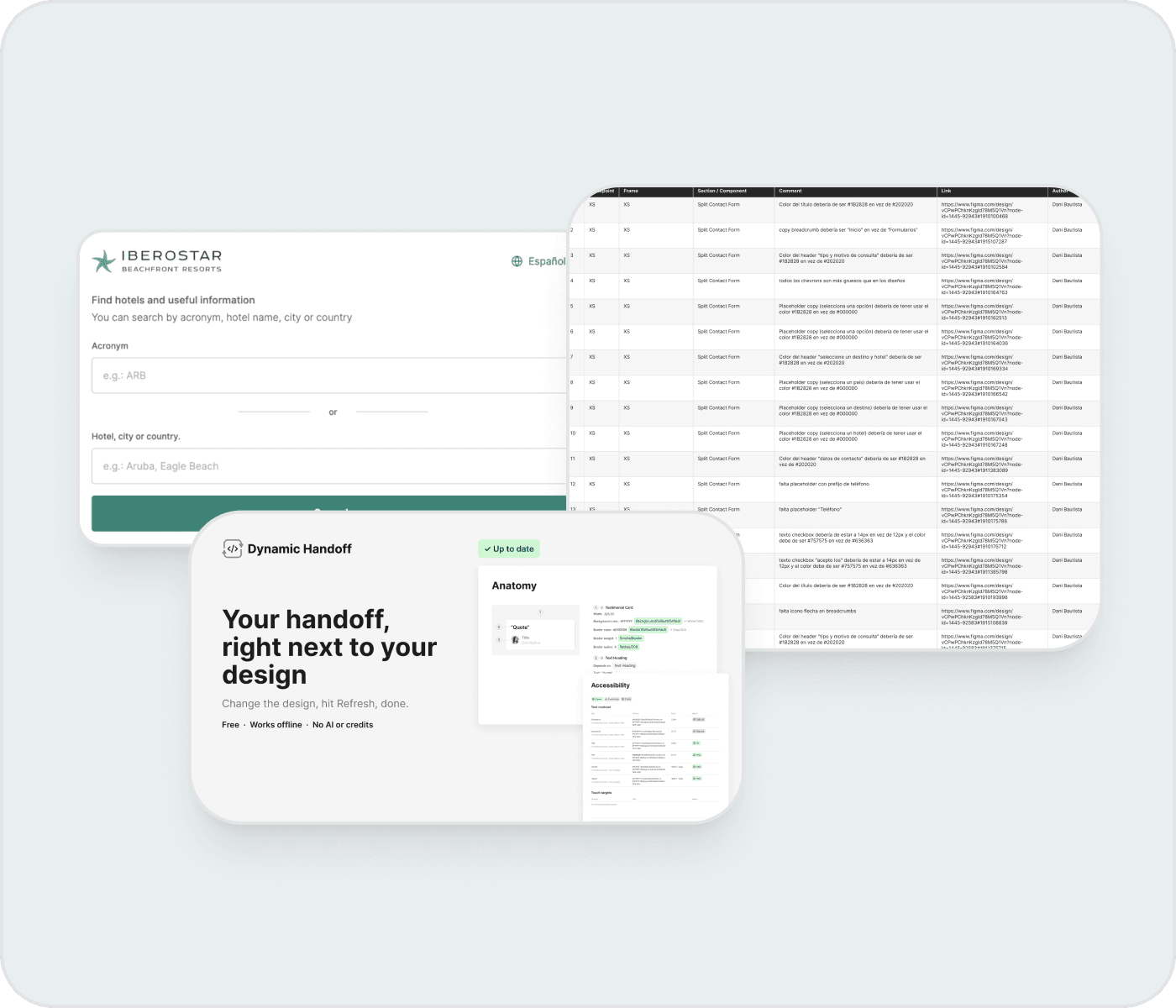
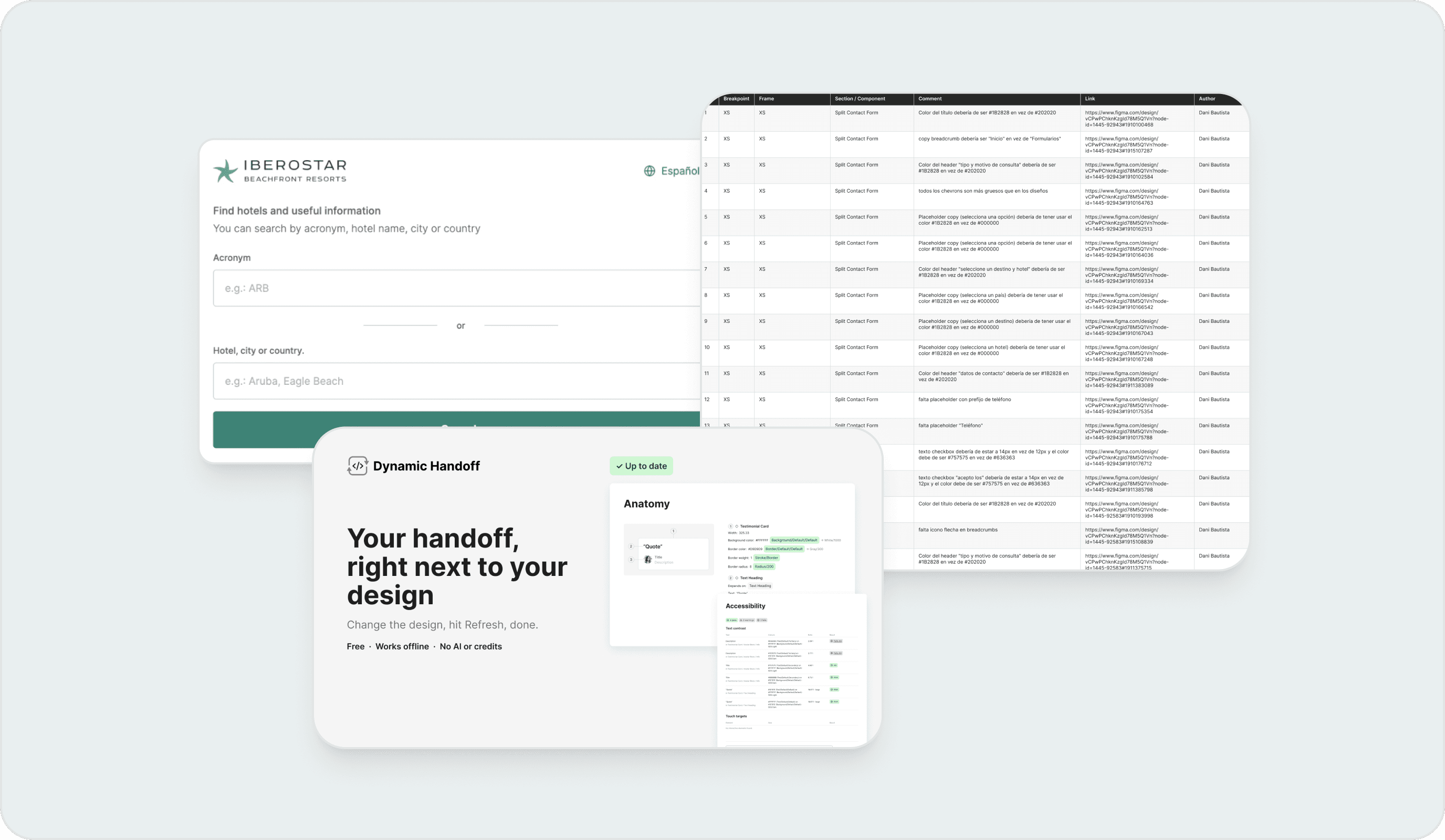
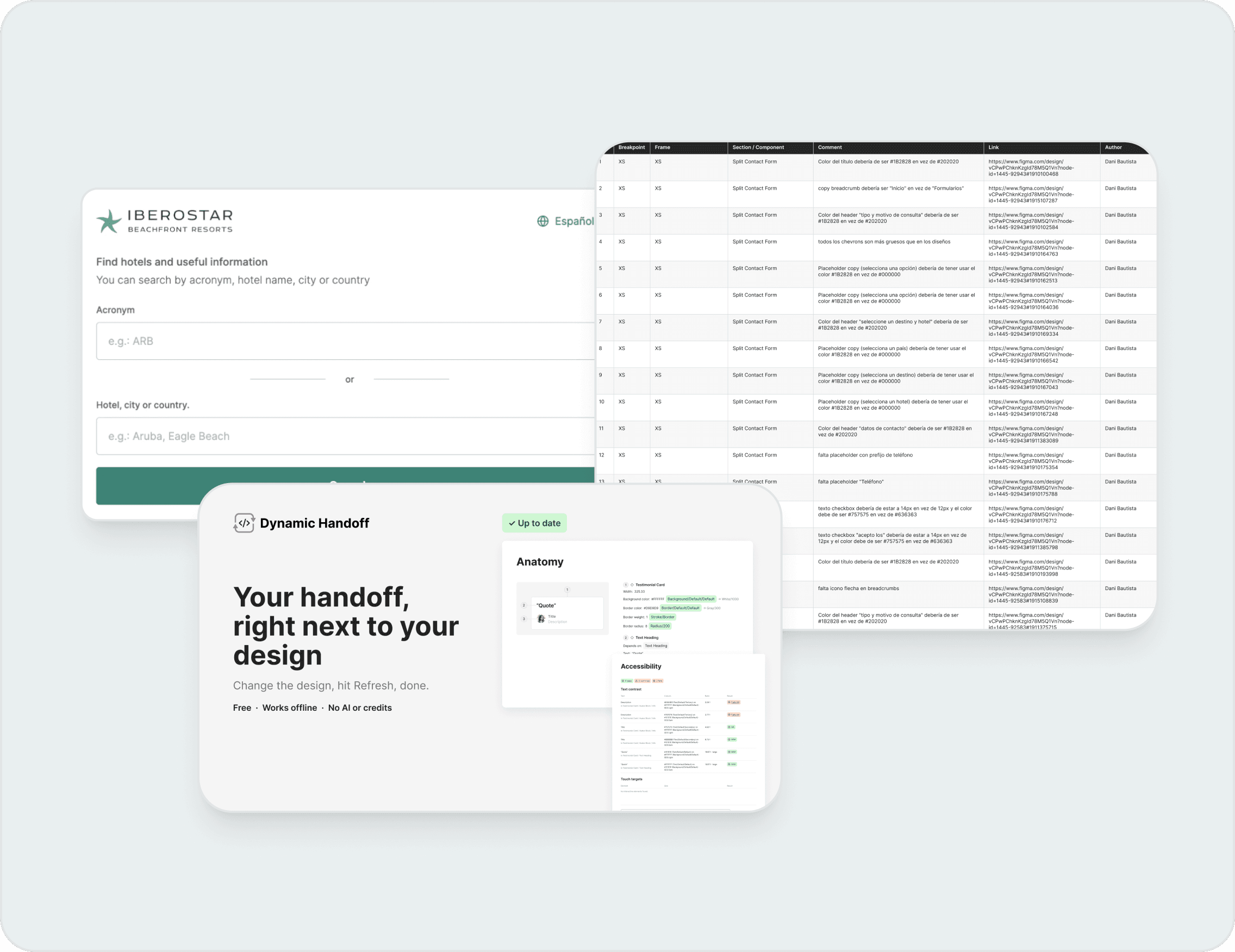
It groups them by breakpoint and adds the frame, the component, the text and a link, so a developer can open the comment in Figma and see what I meant. It builds a table on the canvas plus a tab-separated version for Excel.
Result
Up to 150 comments in a single run.
Across 5 breakpoints. QA moved faster and nothing got lost on the way to Azure DevOps.
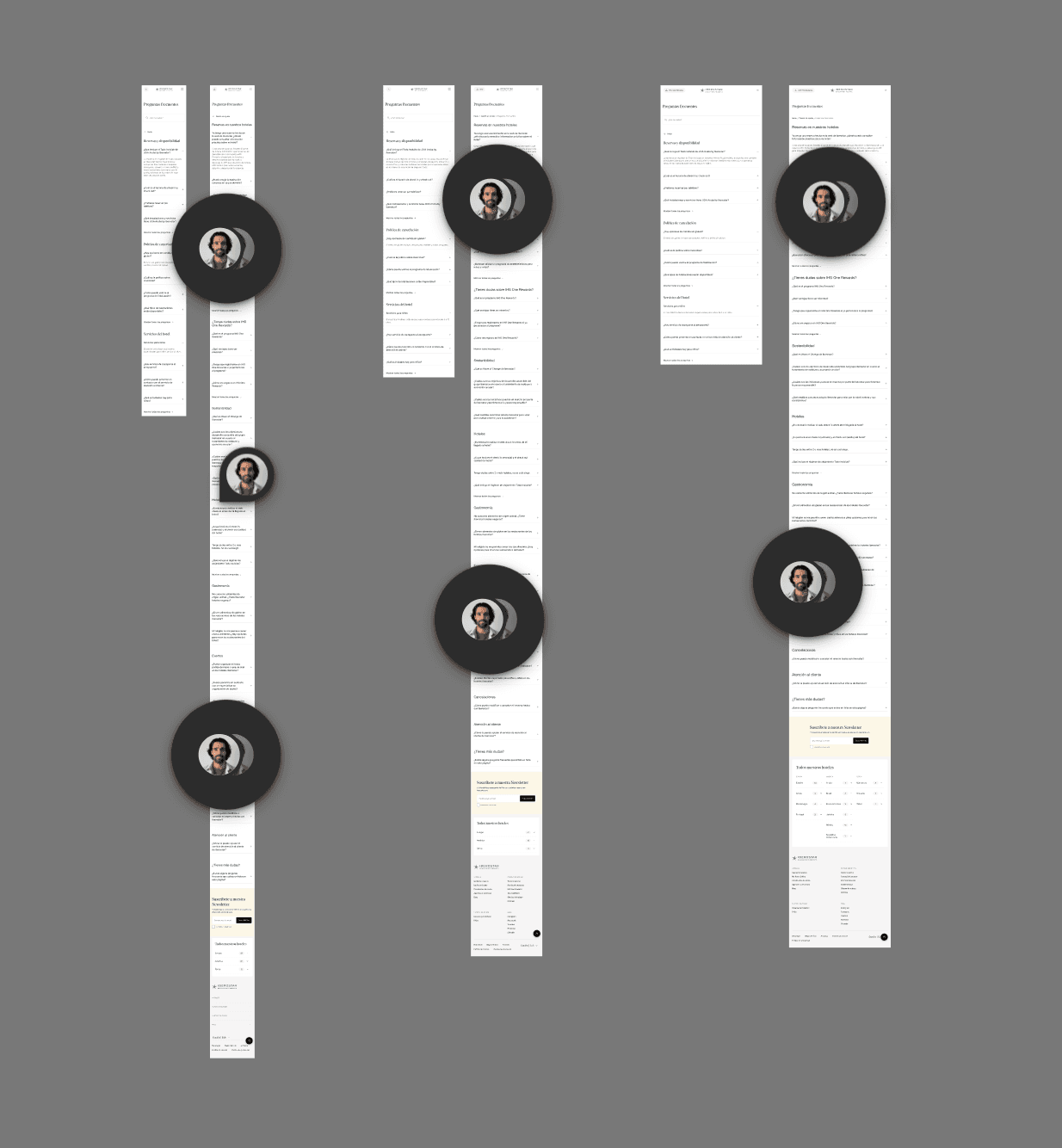
Comments left on the designs
Feedback across breakpoints, placed right on the component.
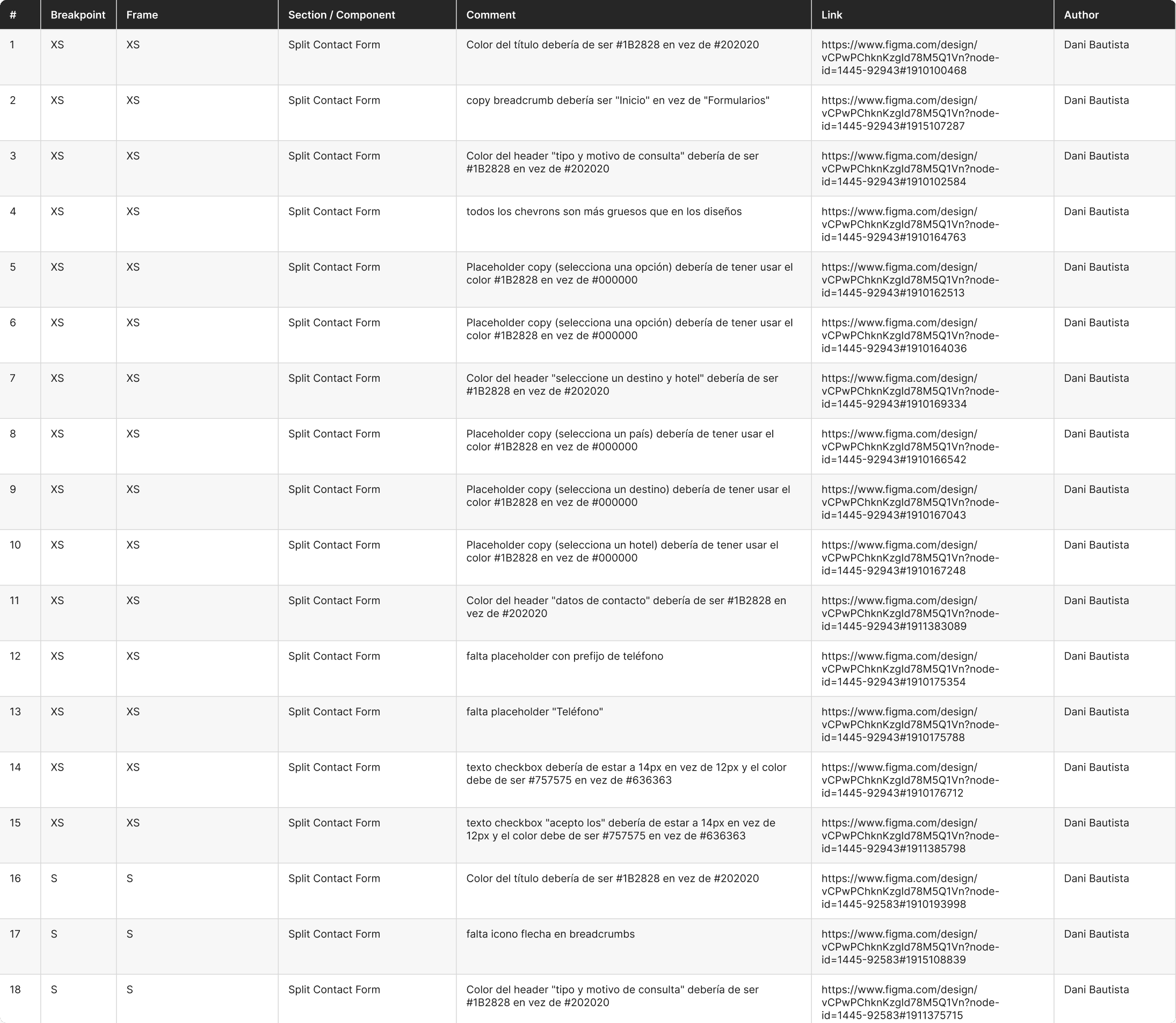
The table, built on the canvas
Breakpoint, frame, component, comment and link in one place.
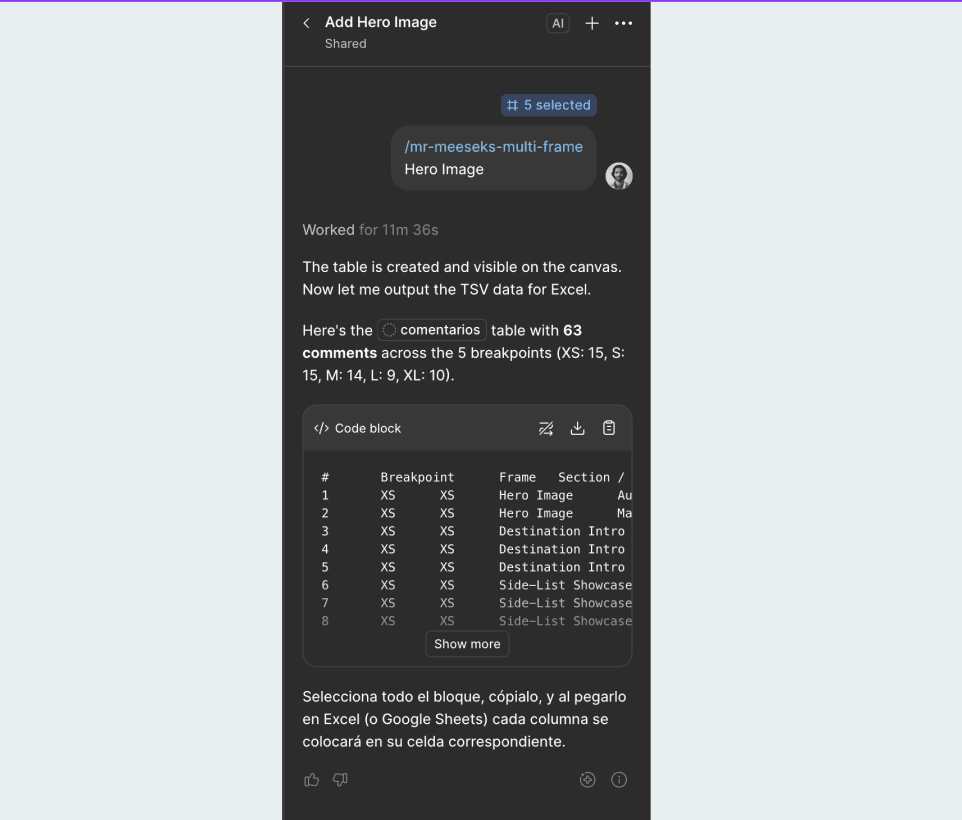
Ready for Excel and Azure DevOps
The same data comes out as tab-separated text.
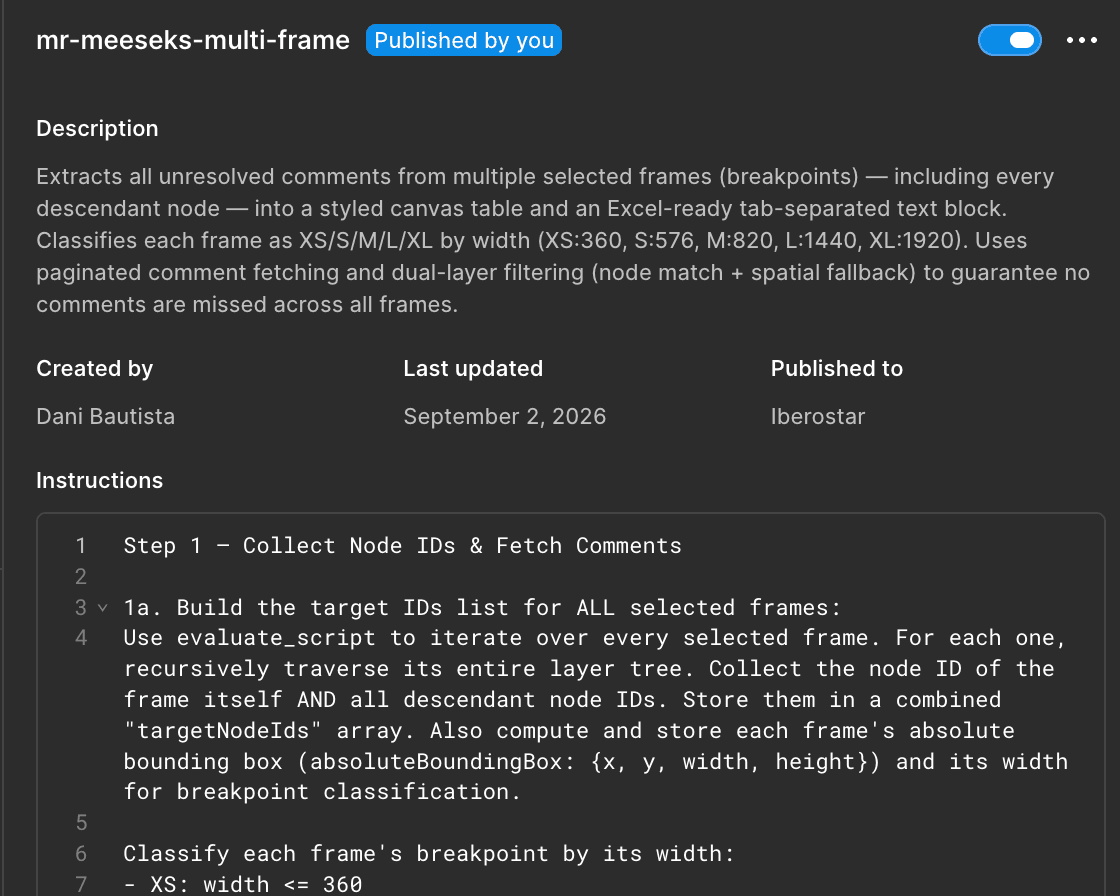
The skill, shared with the team
Published in the company workspace and improved over time.
Piece 03 · Figma plugin
Handoff plugin
Built with Claude Code in my own time, to give an external dev agency what they need without extra seats.
Problem
Developers could not inspect the designs.
Development is outsourced, and the agency's developers do not have full Figma or Dev Mode seats.
Solution
A plugin that documents the design.
It builds pages on the canvas with anatomy, layout, tokens, SVG icons, developer notes, an accessibility check and a prototype. One click on Refresh updates everything.
Result
A clear handoff at no extra licence cost.
Always up to date when the design changes.
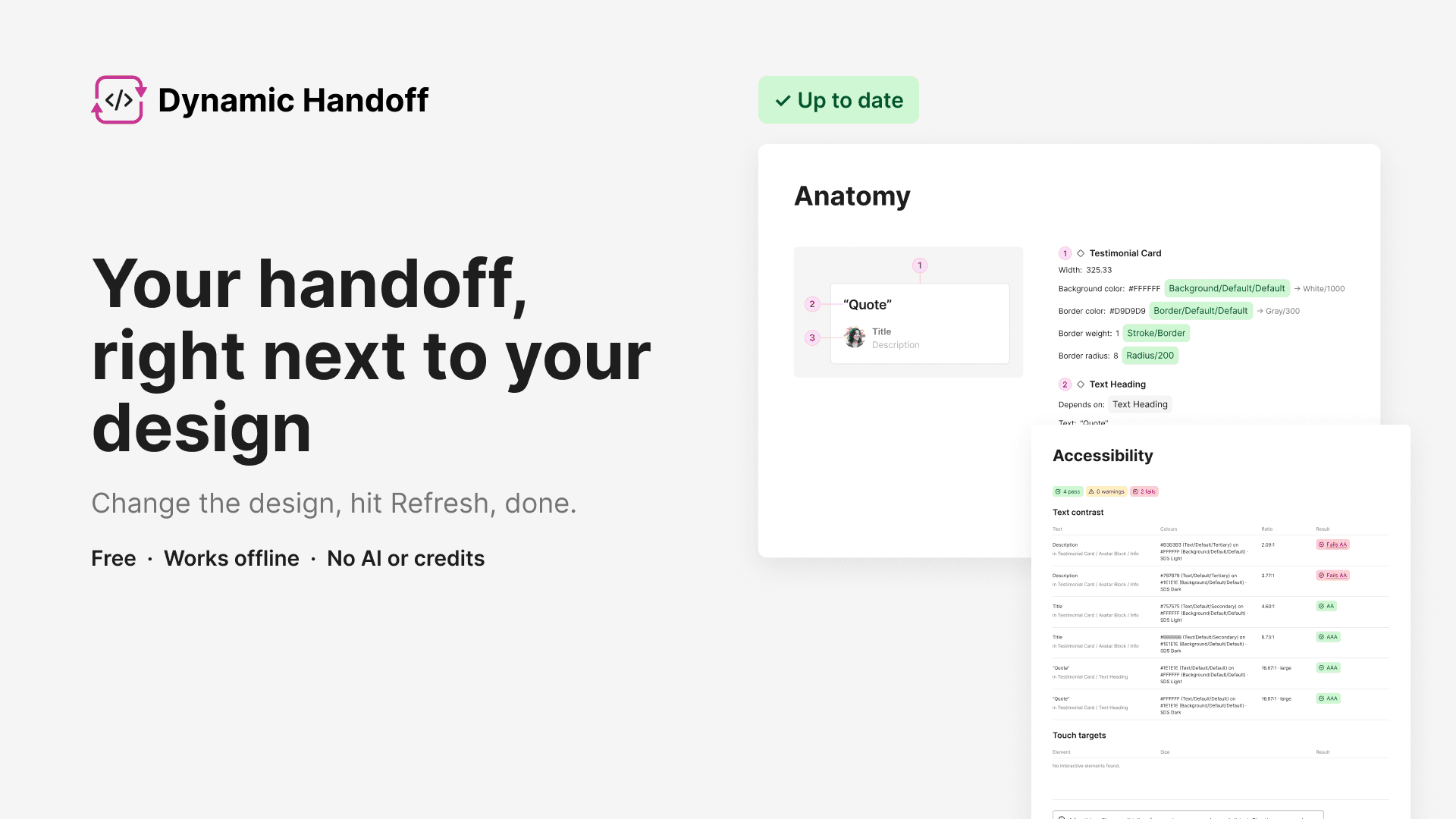
Meet Dynamic Handoff
Free, works offline, no AI or credits. One click and the handoff is up to date.
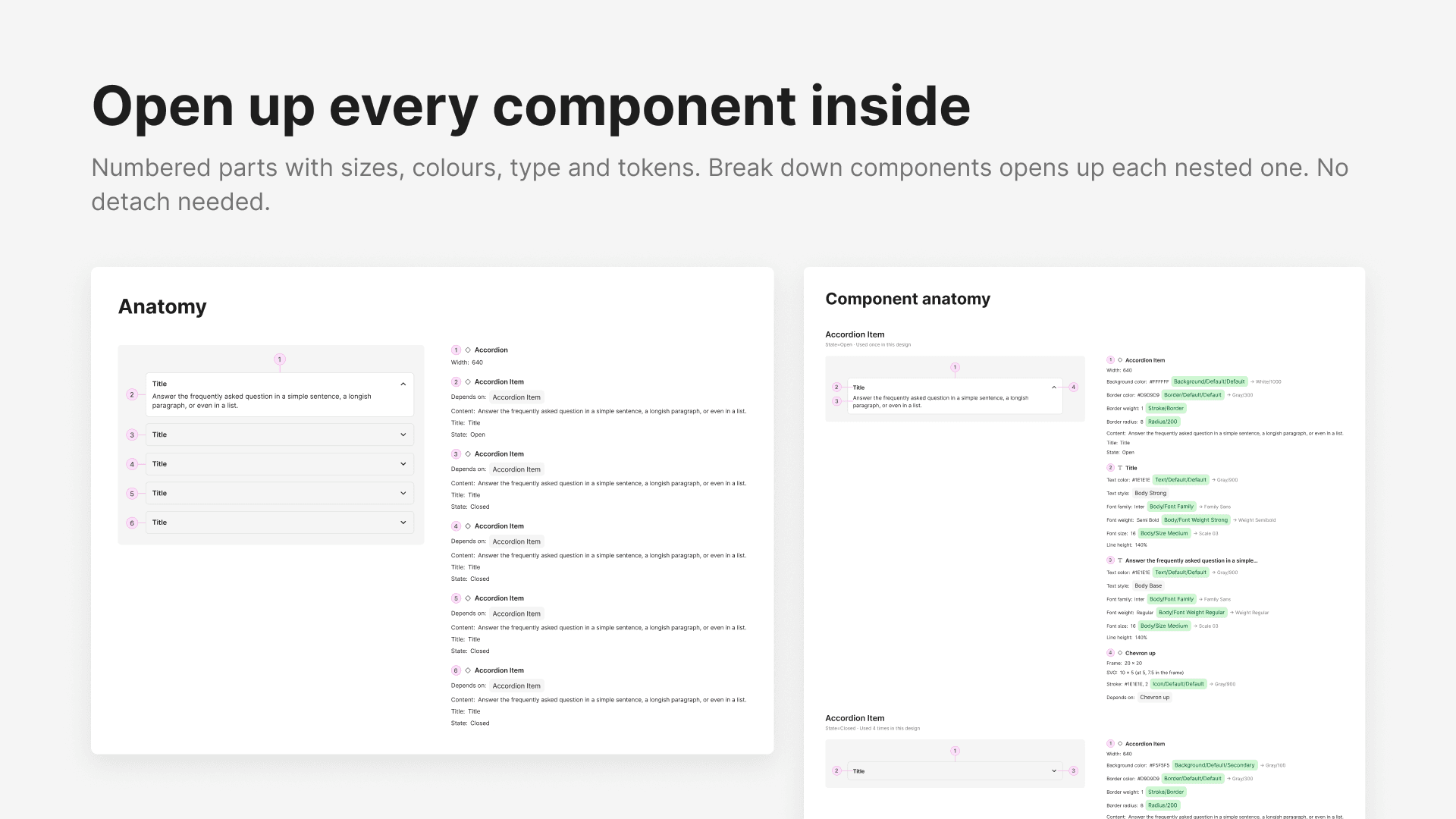
Generated documentation
Anatomy, layout, tokens and more, next to the design. Numbered parts with sizes, colours and type.
Reflection
What I learned about bringing AI into a company
A lesson I learned
AI paid off where it removed a slow, repetitive step, not where it tried to replace judgement. Each tool worked because I first understood who would use it and what they were missing.
What’s next
My handoff plugin is now in the Figma Community, where designers are using it and giving feedback. I keep improving it so developers get clearer notes in the future.